Quick Start
Once your pedalboards are set up, you run the whole thing from the device itself. No computer on stage.
The controls
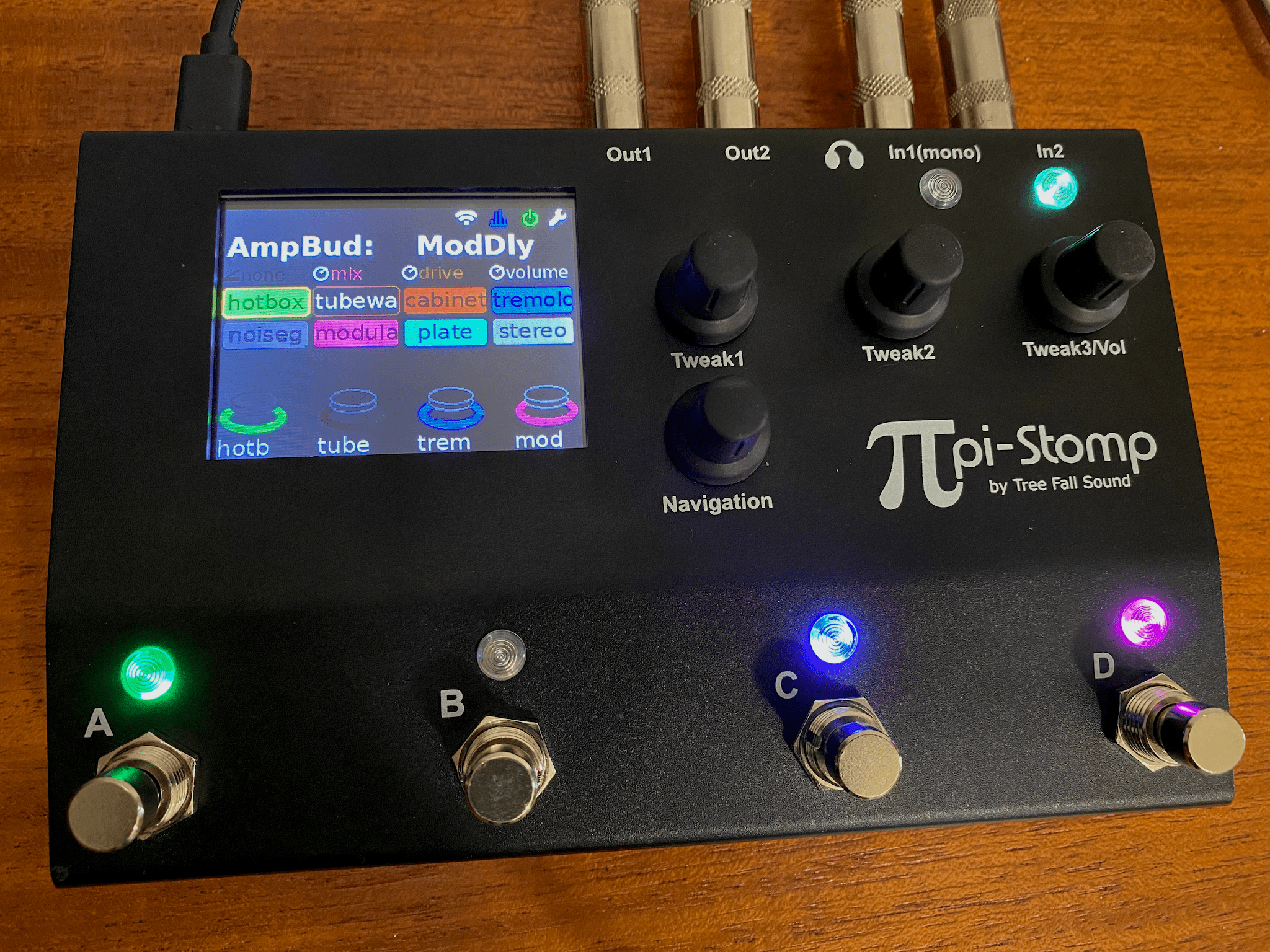
Working clockwise:
| Control | What it does |
|---|---|
| Navigation encoder (bottom-leftmost) | Rotate to move the highlight, click to select, long-press to deep-edit the highlighted plugin |
| Tweak 1 and Tweak 2 | Adjust the highlighted parameter; long-press for previous/next snapshot |
| Volume (Tweak 3) | Output level |
| Footswitches A–D | Toggle effects, tap tempo, change snapshots |
| LCD | Current pedalboard, parameter values, and the toolbar icons along the top |
Hardware Overview has the rear panel and the full spec.
Connect
- Plug your instrument into the In 1 jack
- Connect Out 1 to your amp, interface, or headphones
In 2 and Out 2 are for re-amping and NAM capture — see Hardware Overview.
Boot
Plug in the 27W USB-C power supply. First boot takes a minute or two — subsequent boots are about 20 seconds. The LCD will show the home screen when ready.
Adjust input gain
If the audio sounds distorted (in a bad way) or the input clipping LEDs turn yellow or red with normal playing:
- Rotate the Navigation encoder to highlight the Audio toolbar icon (top right)
- Click to open the Audio menu
- Select Input Gain and turn it down until loud strums no longer clip
Make music
The default pedalboard loads automatically. Use the footswitches to toggle effects, the Navigation encoder to browse and to bypass/enable plugins, and the tweak encoders to adjust parameters.
Learn more in Navigation & Controls.
If you hear nothing
Check the power icon in the toolbar before you suspect the build. Green means processing is active; grey means global bypass is on and the signal is passing through unprocessed. Click the icon to toggle it. Then check the Volume encoder (Tweak 3), which is the master output level.
Get on the network
Look at the Wi-Fi icon in the toolbar:
| Icon | State | What to do |
|---|---|---|
| Orange | Hotspot mode | Join the pistomp Wi-Fi network from your laptop or phone. Password: pistompwifi |
| Silver | Connected to your router | Put your laptop or phone on the same network |
| Grey | Not connected | Enter your router's credentials on the LCD — see WiFi Setup |
The device falls back to hotspot mode when it can't reach the Wi-Fi network you configured, so a fresh build on an unfamiliar network is usually orange unless you baked the WiFi password in when you flashed it.
Edit online
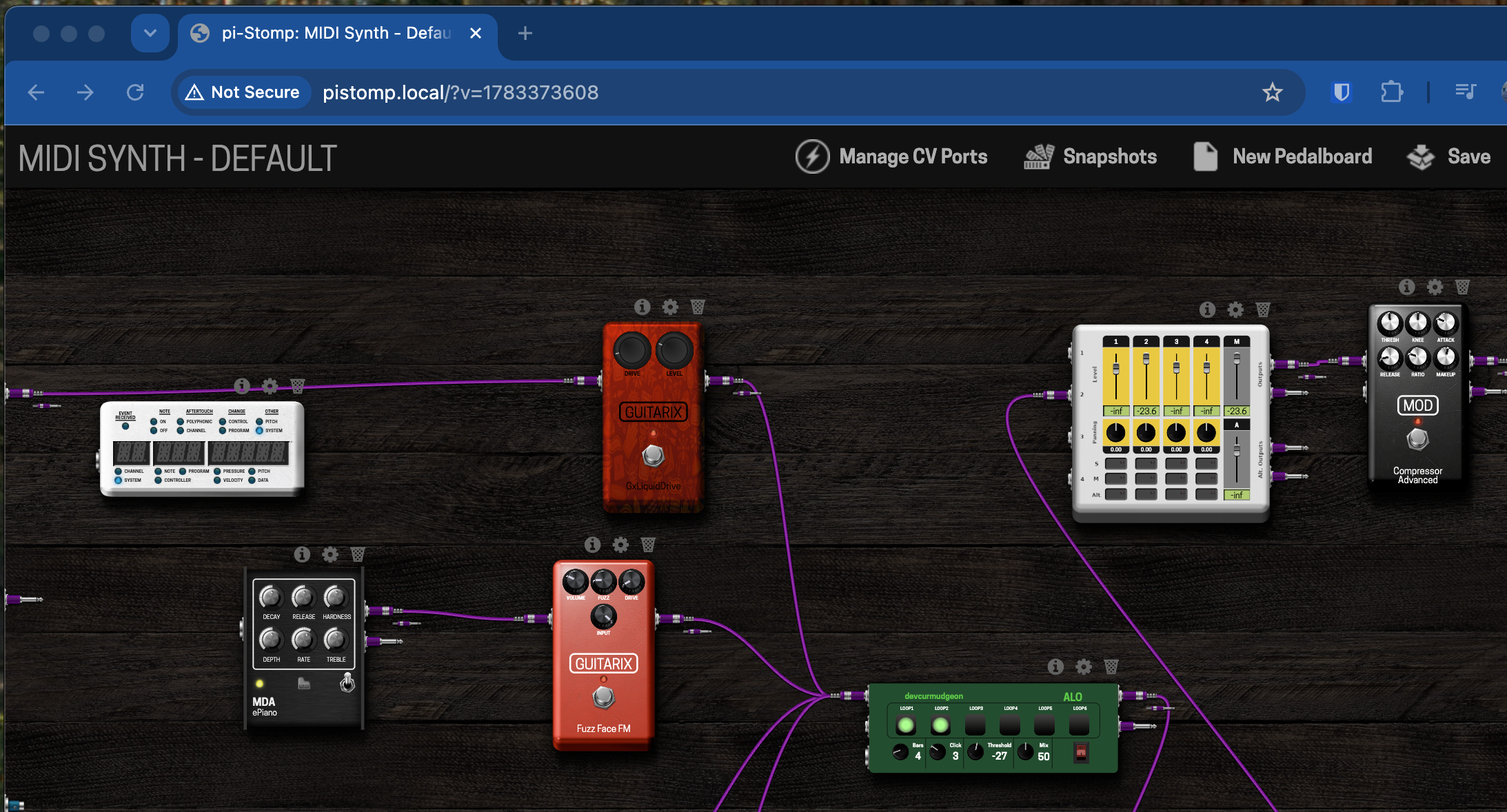
Point a browser at http://pistomp.local to open MOD-UI — the drag-and-drop pedalboard editor. The MOD-UI page covers it in full.